Post / Feb 03, 2025
How to Save $17,000 a Month by Self-Hosting DeepSeek R1 on Google Cloud Run GPU
A February 2025 walkthrough of self-hosting a distilled DeepSeek R1 model on Google Cloud Run GPU for spiky, pay-per-use inference workloads.
Historical context (February 2025): Pricing, GPU availability, product behavior, and deployment syntax below reflect the original publication date. The cost comparison contrasts an always-on 8×H100 DigitalOcean configuration with 24 total hours of NVIDIA L4 usage on Cloud Run, and the example code uses the DeepSeek-R1-Distill-Qwen-7B model rather than the full DeepSeek-R1 model. Verify current pricing and deployment documentation before relying on these figures.
The arrival of the open sourced AI model DeepSeek has been hailed as the “Sputnik 2.0 moment” for artificial intelligence, promising to reshape the landscape of AI development.
However, with recent service disruptions and downtime underscore a critical challenge: relying on third-party APIs for essential AI workloads is risky.
What if there was a way to harness DeepSeek’s power and ensure reliability and slash your costs? This article reveals how to self-host DeepSeek R1 on Google Cloud Run’s GPU, a strategy that not only provides full control but can also save you or your business considerable resources.
If you’ve been following the recent news, you might have noticed that the DeepSeek API platform and chat app are currently down due to attacks.
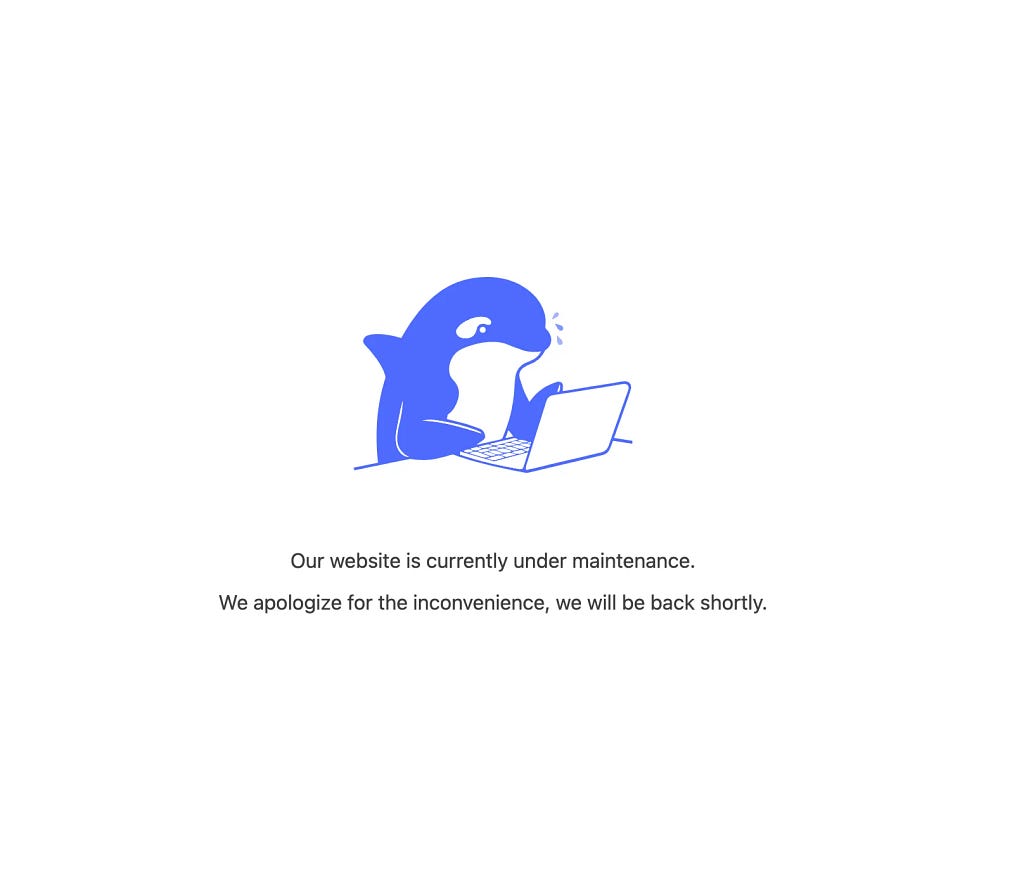
If you managed to get into DeepSeek Chat, you may have experienced it fluttering out due to a huge spike in demand as well as attacks.
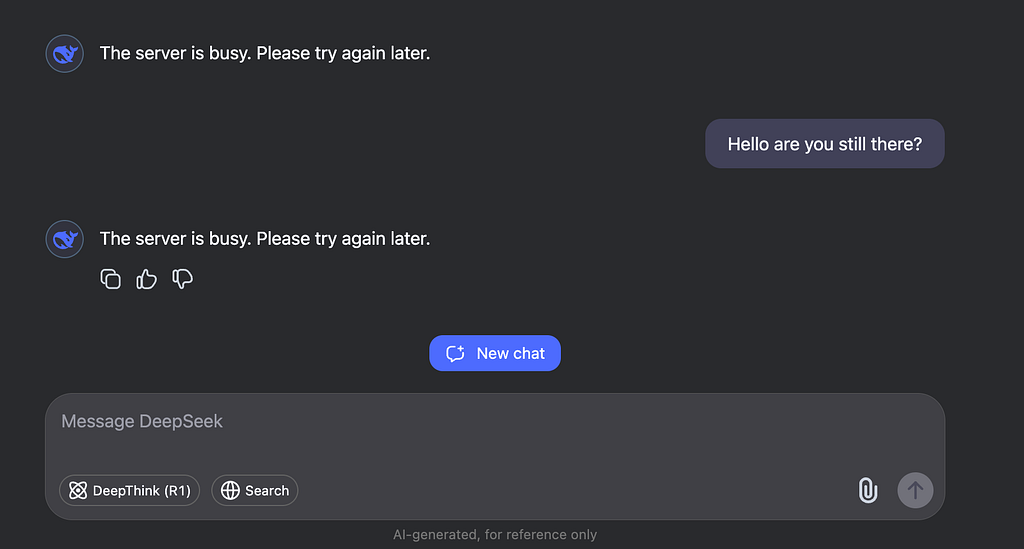
This downtime highlights the risks of relying solely on third-party services for critical AI workloads. But what if I told you there’s a better way? A way that not only gives you full control over your AI infrastructure but also saves you $17,000 a month compared to other off the shelf one-click deploy solutions?
In this article, I’ll show you how to self-host the DeepSeek R1 model using Google Cloud Run’s new GPU feature, and why this approach is a game-changer for startups and developers looking to optimize costs without sacrificing performance.
Why Self-Host DeepSeek R1?
DeepSeek R1 is a powerful open-source language model that can be used for a variety of tasks, from text generation to conversational AI.
However, relying on third-party APIs can be risky, especially when they go down due to attacks or other issues. By self-hosting, you gain:
- Full Control: You decide when to deploy, update, and scale your model.
- Cost Efficiency: Pay only for what you use, with no hidden fees.
- Reliability: Avoid downtime caused by third-party service disruptions.
- Security: Keep your data and models in-house, reducing exposure to external threats.
The Cost Savings: $17,000 a Month
Let’s break down the numbers. If you were to use a one-click deploy solution on a platform like Digital Ocean, you’d be looking at a whopping $17,236.80 per month for a potential overkill configuration:
| Resource | Specs | Cost |
|---|---|---|
| GPU | 8× NVIDIA H100 GPUs | $23.94/hour |
| vCPU | 160 cores | Included |
| RAM | 1,920 GB | Included |
| Storage | 2 TB NVMe SSD + 40 TB scratch | Included |
| Total cost | $23.94/hour |
Source: DigitalOcean DeepSeek R1 one-click solution cost breakdown.
But what if you don’t need all that power? What if you’re an early-stage project that only needs a slimmed-down version of the DeepSeek R1 model, and your total compute time over a month is just 24 hours?
With Google Cloud Run’s GPU support, you can deploy the same model for just $20.13 per day. That’s a 99.88% cost reduction!
How Google Cloud Run GPU Makes This Possible
Google Cloud Run’s new GPU feature is a game-changer for AI workloads. Here’s why:
- Pay-Per-Use Pricing: You only pay for the time your model is actually running. No need to keep expensive GPUs running 24/7.
- Auto-Scaling: Cloud Run scales to zero when your service is idle, so you’re not paying for unused resources.
- Serverless: No infrastructure to manage. Just deploy your code and let Google handle the rest.
- GPU Support: Access to NVIDIA L4 GPUs without long-term commitments or upfront costs.
Cost Breakdown: Google Cloud Run GPU
Here’s the cost breakdown for running DeepSeek R1 on Google Cloud Run:
| NVIDIA L4 GPU metric | Cost |
|---|---|
| Cost per GPU-second | $0.000233 |
| Per minute | $0.01398 |
| Per hour | $0.8388 |
| Per day (24 hours) | $20.1312 |
| Per month (30 days) | $603.936 |
Source: NVIDIA L4 GPU costs.
But remember, if you only need 24 hours of compute time per month, your total cost drops to just $20.13. That’s a massive saving compared to the $17,236.80 you’d pay on Digital Ocean.
How to Deploy DeepSeek R1 on Google Cloud Run
Deploying DeepSeek R1 on Google Cloud Run is straightforward. Here’s a step-by-step guide:
1. Clone the Repository
git clone https://github.com/VeVarunSharma/deepseek-cloud-run-inference-api
cd deepseek-cloud-run-inference-api
2. Build and Deploy with Cloud Build
(There are other provided deployment options in the README.md)
gcloud builds submit --config cloudbuild.yaml3. Deploy to Cloud Run
gcloud run deploy deepseek-service \
  --image gcr.io/$PROJECT_ID/deepseek-inference-api \
  --region us-central1 \
  --platform managed \
  --gpu \
  --memory 16Gi \
  --cpu 4 \
  --allow-unauthenticated
How the inference endpoint works
# Ensure the model name is correct from Hugging Face or Vertex AI
model_name = "deepseek-ai/deepseek-r1-distill-qwen-7b"
# Initialize these at module level but load them lazily
tokenizer = None
model = None

def load_model():
    """Load model and tokenizer if not already loaded"""
    global tokenizer, model
    if tokenizer is None or model is None:
        try:
            logger.info("Loading model and tokenizer...")
            # Load from cache (model should have been downloaded during build)
            tokenizer = AutoTokenizer.from_pretrained(model_name, local_files_only=True)
            model = AutoModelForCausalLM.from_pretrained(
                model_name,
                local_files_only=True,
                torch_dtype=torch.float16
            )
            logger.info("Model loaded successfully!")
        except Exception as e:
            logger.error(f"Failed to load model: {str(e)}")
            raise

class InferenceRequest(BaseModel):
    prompt: str
    max_tokens: int = 512

@app.post("/v1/inference")
async def inference(request: InferenceRequest):
    try:
        load_model()  # Ensure model is loaded
        inputs = tokenizer(request.prompt, return_tensors="pt").to(model.device)
        outputs = model.generate(inputs.input_ids, max_new_tokens=request.max_tokens)
        response = tokenizer.decode(outputs[0], skip_special_tokens=True)
        return {"response": response}
    except ValueError as e:
        raise HTTPException(status_code=500, detail=str(e))
    except Exception as e:
        logger.error(f"Inference failed: {str(e)}")
        raise HTTPException(status_code=500, detail=f"Failed to generate response: {str(e)}")
This Python code sets up a simple web API for using the DeepSeek language model. It loads the model only when needed (to save startup time), handles incoming text prompts, generates text using the model, and sends the generated text back as a response so that any application layer can use this. It also handles errors gracefully and is optimized for GPU usage.
Monitor and Optimize
Use Google Cloud Monitoring to track your usage and set up alerts for unusual patterns. Adjust concurrency and resource allocation based on your actual usage.
The Final State
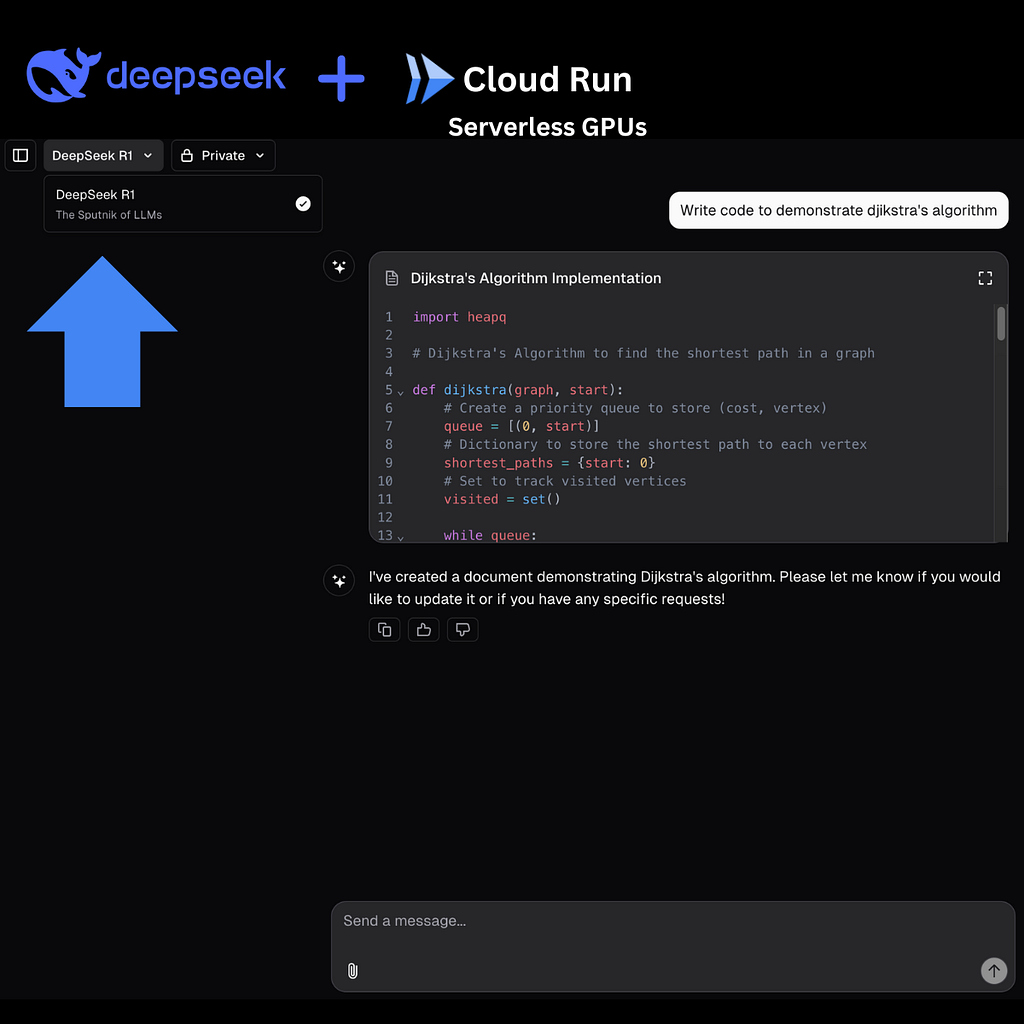
Now that there’s an available inference endpoint deployed on GCP Cloud Run you can hook it up to any application layer — in this attached example, this Next.JS app has been retrofitted with DeekSeek R1!
Key Benefits of This Approach
- Cost Optimization: Pay only for what you use, with no minimum commitments.
- Development Flexibility: Easy A/B testing, quick iteration, and simple rollbacks.
- Security & Control: Self-hosted solution reduces dependency on third-party services.
- Scalability: Handles traffic spikes automatically and scales down to zero during quiet periods.
Trade-Offs to Consider
While this approach offers significant cost savings, there are a few trade-offs to keep in mind:
- Cold Start Times: Cloud Run scales to zero, so there may be a slight delay when starting up after a period of inactivity.
- Container Size: Downloading the model during build time results in a larger container image, but the runtime benefits usually outweigh this.
- GPU Availability: Cloud Run’s GPU support is still relatively new, so availability may vary by region.
Conclusion
By self-hosting DeepSeek R1 on Google Cloud Run, you can save $17,000 a month compared to an overkill one click solution that your business may not need while maintaining full control over your AI infrastructure. This approach is ideal for early-stage projects and startups that need to optimize costs without sacrificing significant performance.
If you need to do heavier tasks around the model and have considerable scale then the Digital Ocean 1-click solution makes sense but this Cloud Run solution is designed for spikier inference workloads or dynamic feature use cases!
Whether you’re building a new AI-powered application or optimizing an existing one, self-hosting DeepSeek R1 on Google Cloud Run is a practical and cost-effective solution worth exploring.
Ready to get started? Check out the GitHub repository for the full code and deployment instructions. Good luck DeepSeeking! 🚀